---
title: 'Cientos v4 is here! 💛'
description: 'The compatibility version of Cientos for the core v4 is finally here!'
date: 2024-08-20
category: 'release'
author: alvarosabu
thumbnail: '/blog/tresjs-cientos-v4/tresjs-cientos-v4.png'
---
We launched the v4 of the core `@tresjs/core` on May 2024, 2.5 months after: we are happy to announce that the compatibility version of Cientos v4 is finally here! 🥳🥳🥳🥳🥳.
This new version not only brings the power of the new core but also a lot of improvements and new features to make your development experience even better. Also it contain a couple of breaking changes, so make sure to check the [migration guide](https://docs.tresjs.org/cientos/migration-guide) before updating.
## How to update
::code-group
```bash [npm]
npm install @tresjs/cientos@latest
```
```bash [yarn]
yarn add @tresjs/cientos@latest
```
```bash [pnpm]
pnpm add @tresjs/cientos@latest
```
::
## What's hot in Cientos v4 🌶️ ?
### Updated to the latest core version
Cientos v4 is now compatible with the latest version of the core `@tresjs/core` v4. This means that you can now enjoy all the new features and improvements of the core while using Cientos.
We also included full `on-demand` rendering support to all components, so you can now have a better control over the rendering process. For example, `OrbitControls` will automatically invalidate the frame when the camera moves.
For more information about the new features of the core, check out the [official blog post](https://tresjs.org/blog/whats-hot-on-tresjs-v4/).
### New `AnimatedSprite` component
`` displays 2D animations defined in a [texture atlas](https://en.wikipedia.org/wiki/Texture_atlas). A typical `` will use:
* an image containing multiple sprites
* a JSON atlas containing the individual sprite coordinates in the image
```html
```
Checkout the [official documentation](https://cientos.tresjs.org/guide/abstractions/animated-sprite.html) to learn more about the posibilities of the `` component.
### Removed `tweakpane` dependency (breaking change)
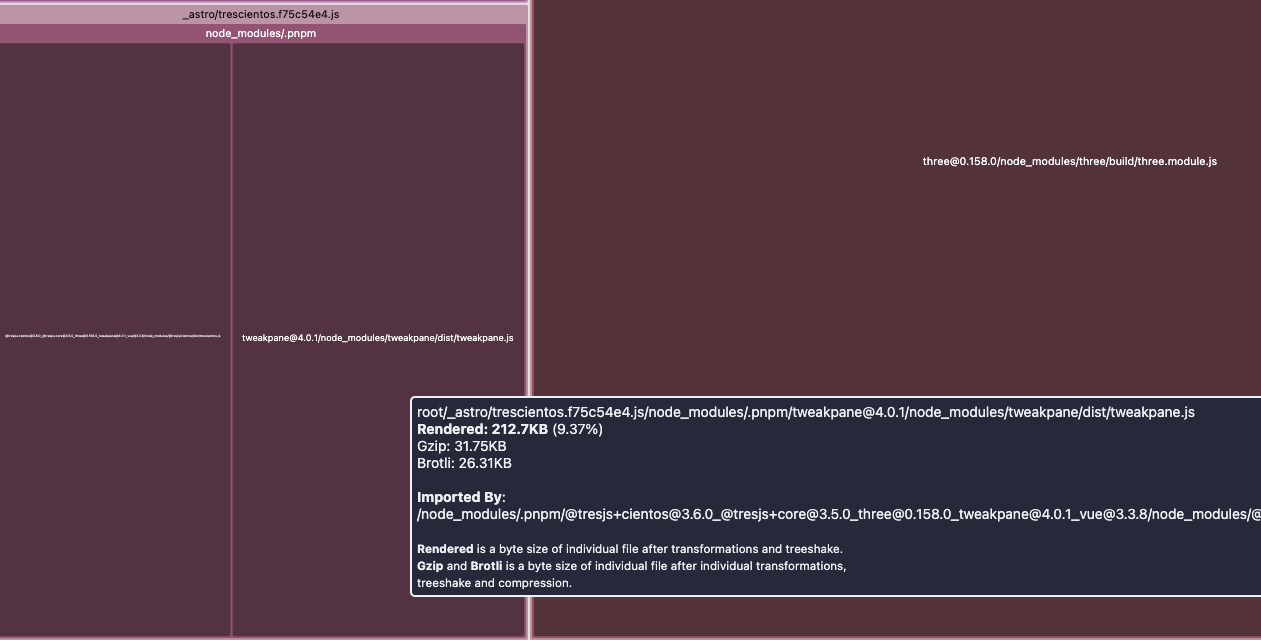
After some iteration, we decided to drop the instance of `useTweakPane`. Some of the reasons are:
- No compatibility with the v4 of [TweakPane](https://tweakpane.github.io/docs/)
- Reduce the bundle size
- No real value added
- Not so intuitive, lots of code repetition
- Support for the upcoming pkg [Leches](https://tresleches.tresjs.org/)
You can check this recipe on the tres docs on how to use `tweakpane` directly with tres: [TweakPane](https://docs.tresjs.org/cookbook/tweakpane.html)
### Updated `defineExport` properties
Since the beginning we exported our components' underlying `Three.js` instances using the name `value`. This created a very ambiguos situation with some components. When we access them using a `ref` in ``, we ended up with something like:
```html
...
...
```
This created confusion and was not good DX. Unfortunately, to fix this, a breaking change needed to be introduced, and we felt this was the right moment.
The new implementation is very similar, but instead of two confusing `value`s we have standardized all our components with `instance`, so to access the components now use:
```js
// Correct in v4 ✅
console.log(starsRef.value.instance)
```
### Move directives to core
The use of `directives` started as a experiment to see how valuable it would be for the ecosystem. Since it has had a good reception, we have decided that it is appropriate for the `directives` to live under the core pkg [Directives section](https://docs.tresjs.org/directives/v-log.html).
So now you have to import your directives from the core:
```ts
// Correct ✅
import { vLog } from '@tresjs/core'
```
Instead of:
```ts
// Wrong ❌
import { vLog } from '@tresjs/cientos'
```
::prose-warning
Since the addition of the new `useLoop` method, `vAlwaysLookAt` and `vRotate` have been temporarily removed.
::
### Changes in `KeyboardControls`
The implementation of `KeyboardControls` has been changed, since this component doesn't provide the right setup for what was originally developed. We took the decision to adopt floating controls similar to Unreal Engine 5, which make more sense given the name of this component.
We have also brought the `PointerLockControls` inside `KeyboardControls`, so you don't have to set it up manually.
Learn more about it [here](https://cientos.tresjs.org/guide/controls/keyboard-controls.html).
### Refactor `MeshReflectionMaterial`
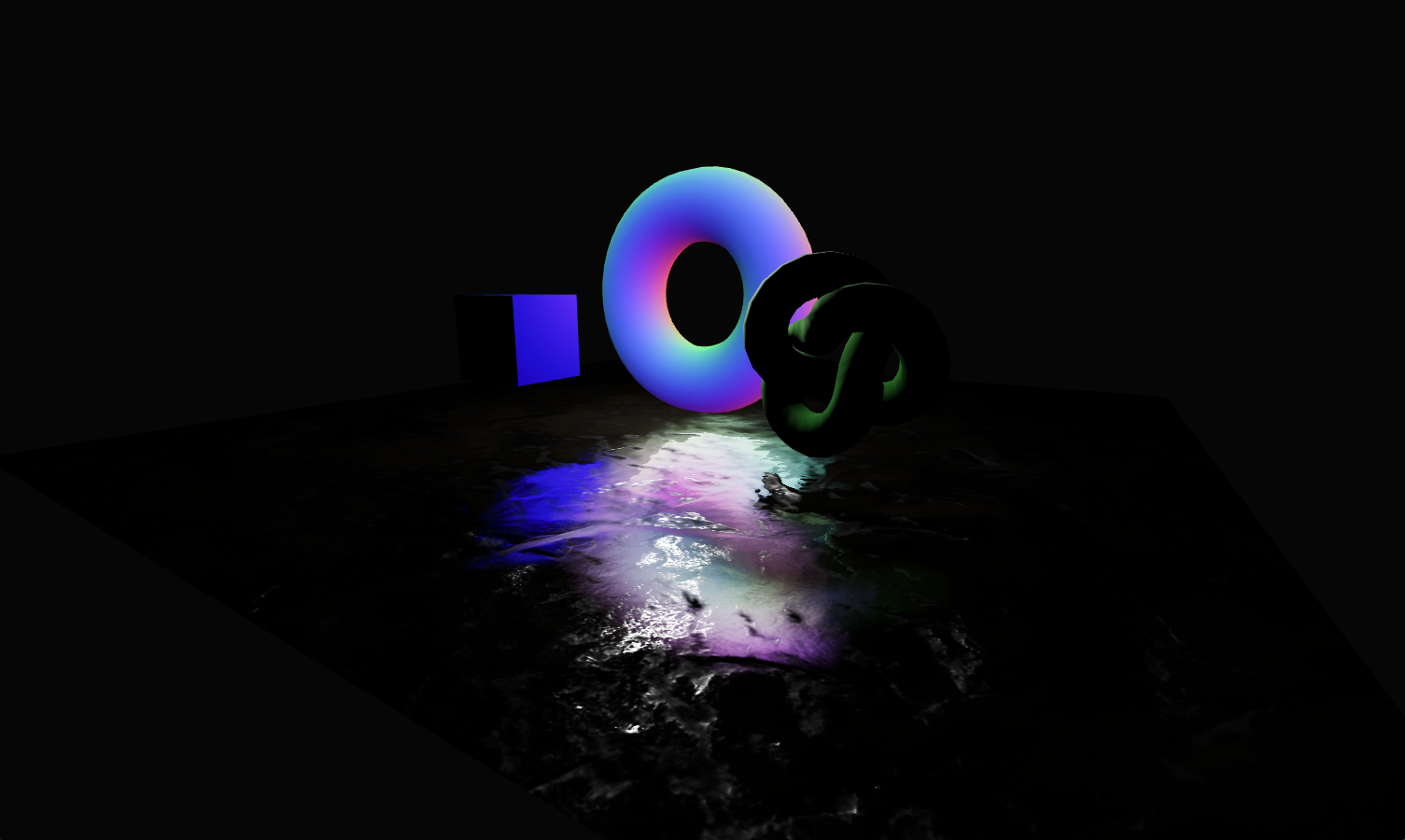
In the latest update to the `MeshReflectionMaterial`, several bug fixes and new features were introduced to enhance the user experience.
A key issue was **broken blur features**, which have now been repaired, allowing for smoother and more realistic reflections. The update also addresses memory leaks by adding proper resource disposal for `blurPass`, improving performance in long-running scenes.
Additionally, the reorganization of material properties allows for more precise control over visual fidelity, giving developers greater flexibility when creating reflections in their scenes. These improvements result in smoother, more efficient rendering.
### Refactor `ContactShadows`
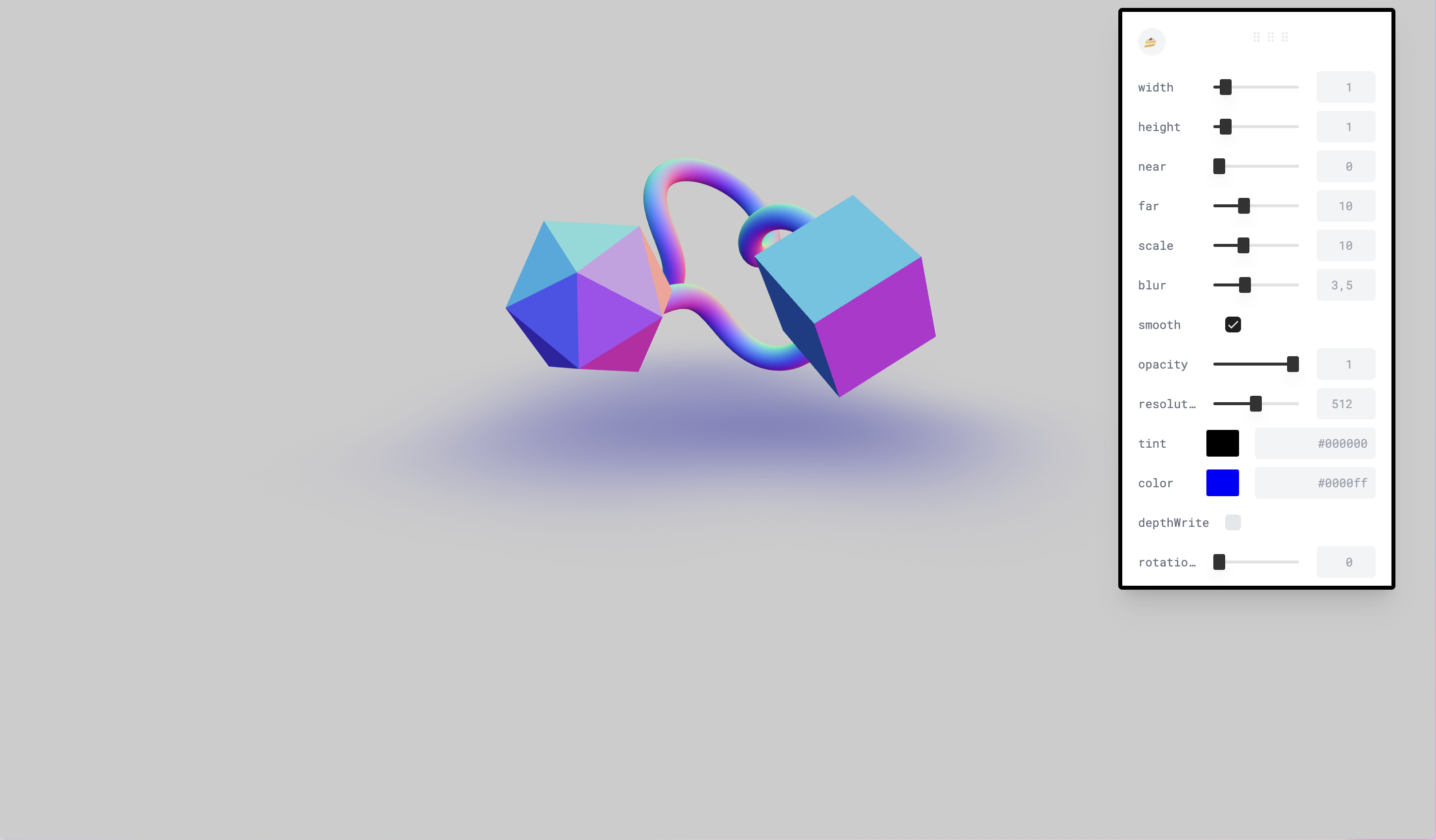
The `ContactShadows` component has been refactored to improve performance and stability. The new implementation provides more accurate shadow rendering, reducing artifacts and improving visual quality.
## Give us your feedback!
We are very excited about this new version of Cientos and we hope you are too! We would love to hear your feedback, so please feel free to reach out to us on the [Discord channel](https://discord.gg/V8ZPvGHSQd)
Give some love to the contributors that make it happen. 🙌 💛